
Enable API access, generate your bearer token, and start managing virtual servers programmatically with the HostAfrica Public API.
Before you begin
To use the HostAfrica Public API to create and manage virtual servers, you need an active HostAfrica account. Access to the API itself is free, but to order VPS services you need to have a verified payment method configured for automated payments.
The API reference documentation and endpoint details are available at api.hostafrica.com. Every request to the API must include an Authorization header carrying your public API bearer token.
If you do not have an account yet, register in the client area first.
Enabling API access and generating your token
The token flow is fully self-service:
- Log in to the HostAfrica Client Area using your HostAfrica credentials.
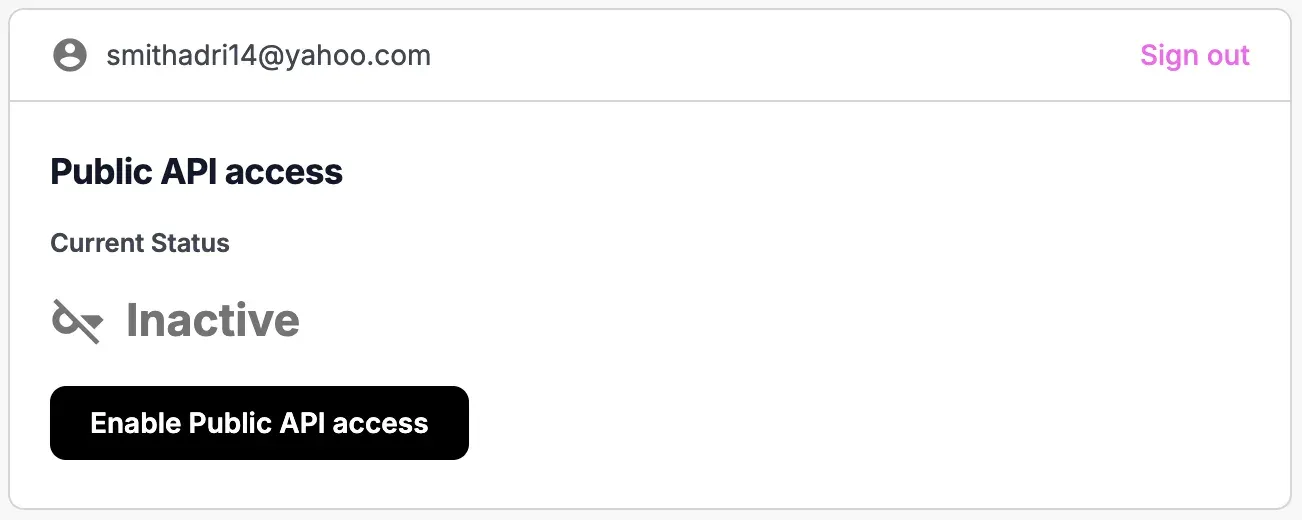
- Click Enable public API access. Your bearer token is generated immediately.
- Copy the token and start using it in your API requests.
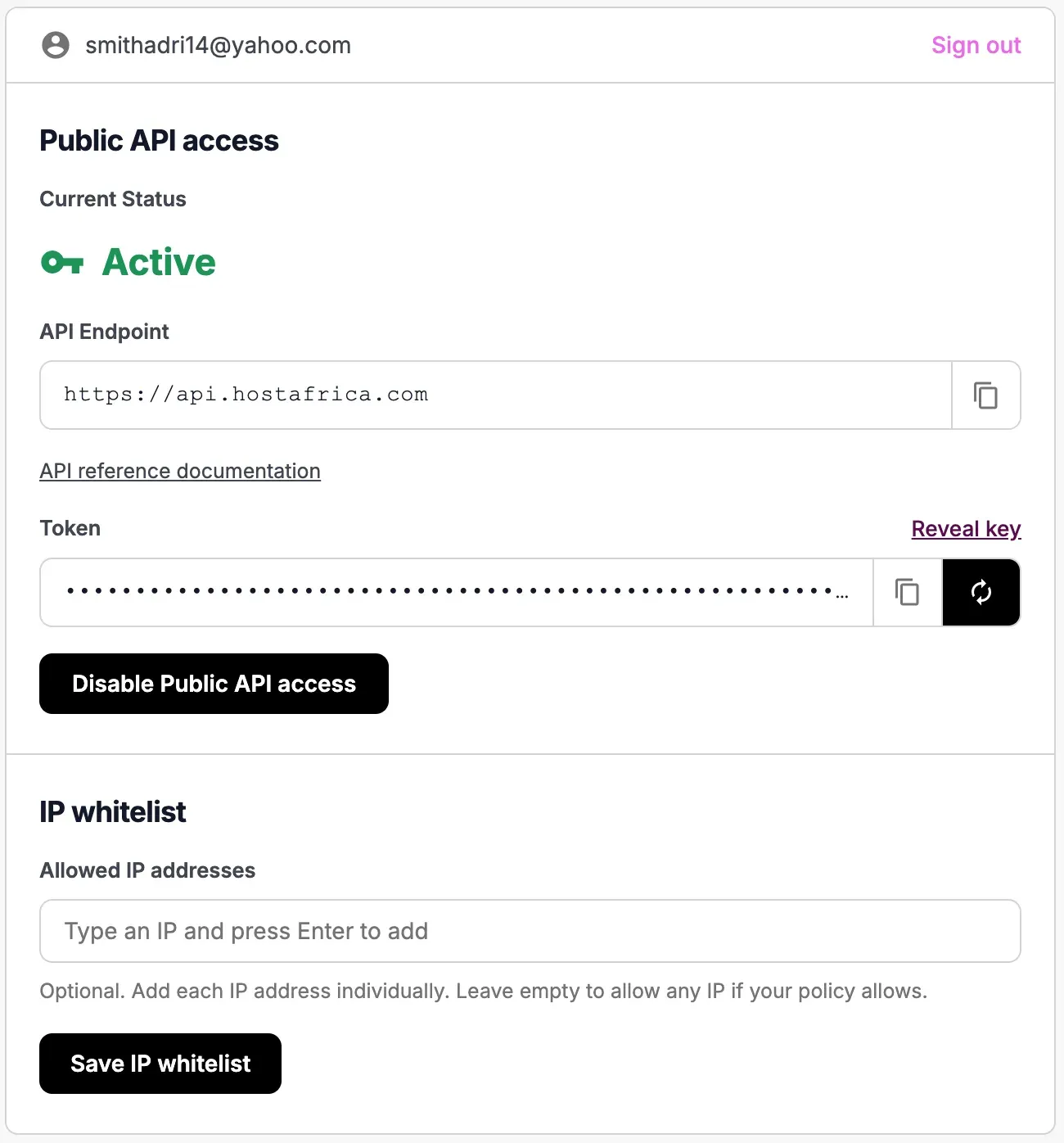
An optional IP address allowlist lets you restrict the token to specific source public IP addresses, so a stolen token cannot be used from anywhere else. Leave it blank to allow the token from any IP address.
Managing your token
Rotating your token
You can rotate your token yourself at any time, either as a proactive security measure or if you suspect it has been compromised. Click the rotate icon and a new token is generated that replaces the old one. The old token becomes invalid immediately and can no longer be used.
Revoking your token
To revoke your token without replacing it, click Disable public API access to switch the feature off. Your existing token is invalidated automatically.
Calling the API
We provide a number of developer tools to make calling the API straightforward, including a CLI and SDKs for several languages, each with code examples. These are linked from the API reference documentation, along with additional guidance covering rate limits and other API specifics.
Protecting your secret token
Your token grants its bearer the same permissions you have over your account resources. Treat it as you would a secret password.
- Never hardcode tokens in source code.
- Store them in environment variables or a secrets manager (for example, Passbolt).
- Add secret files to your
.gitignoreimmediately. - If you suspect a token has leaked, revoke it immediately, confirm it no longer works, and contact support if you need assistance.
Learn more
Explore the HostAfrica server hosting options this API powers.
Support
For questions, bugs, and feature requests specific to the API, open an issue on the relevant GitHub repository:
- ha-public-api issues
- ha-sdk-typescript issues (TypeScript SDK)
For general support and feedback, submit a query through your client area.